
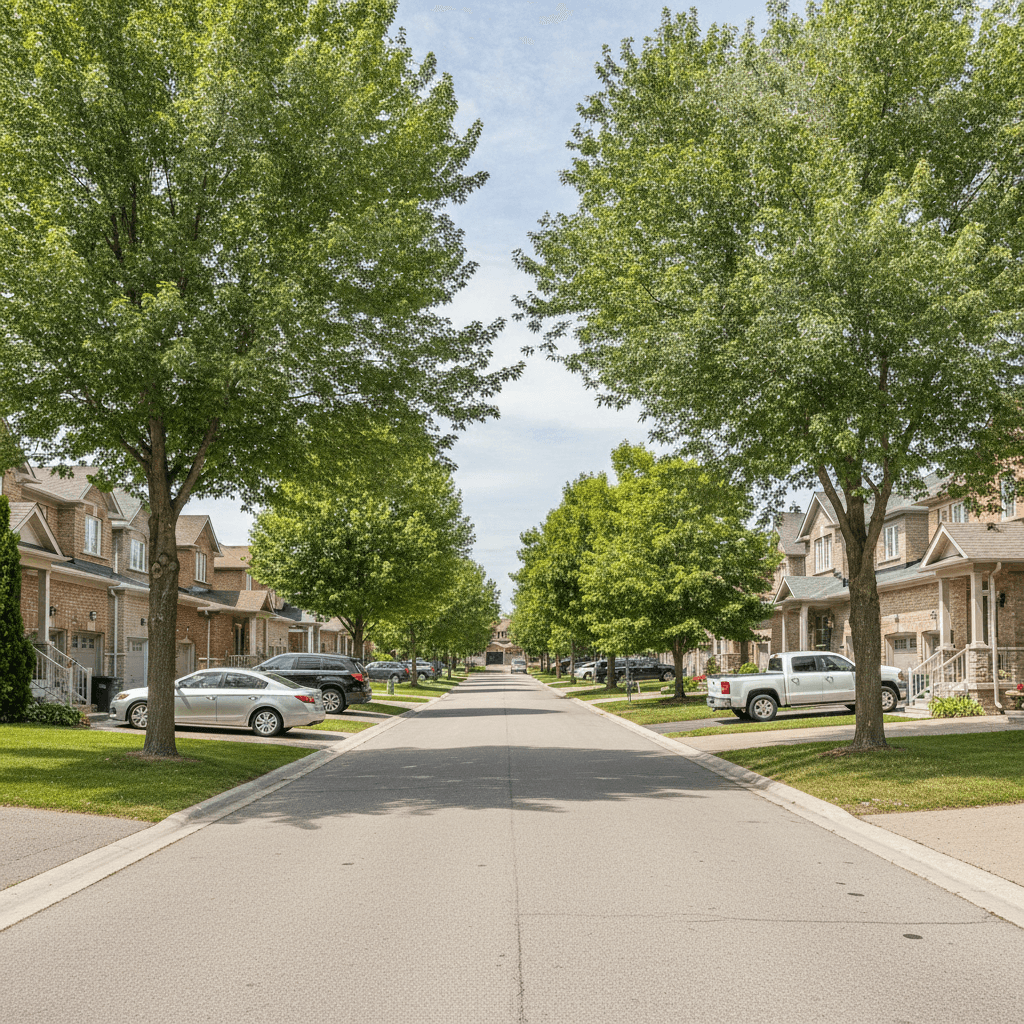
Searching homes by neighborhood means filtering listings to the specific Brampton communities that fit your daily life—commute, schools, parks, and errands—before you worry about finishes. It prioritizes livability and cuts wasted tours. If you’ve wondered how to search homes by neighborhood efficiently, this guide lays out a local, step-by-step path.
By Maunil Shah — Realtor, HomeLife/Miracle Realty Ltd., Brokerage
Last updated: 2026-07-10
Overview
A neighborhood-first search finds homes that match how you live: commute timing, school drop-offs, weekend parks, and errands. Start with the right streets, then refine by budget and features. This workflow saves time, reduces stress, and makes your short list more likely to feel right on tour.
Local tip for Brampton buyers
If you’re testing commute times, avoid peak-hour showings near Torbram Rd at Williams Pky. Late morning offers a truer read on street noise and drive patterns. Proximity to the Williams - Zum Bovaird Station Stop SB also helps multi-commuter households balance schedules.
Before You Start (Prerequisites)
Clarify how you live week to week, then prep the basics: pre-approval, wish list, and two or three non-negotiables. This groundwork sharpens your neighborhood filters and speeds decisions once the right listing appears.
- Map your week: Commute routes, childcare pickups, gyms, parks, groceries, and faith centers.
- Define non-negotiables: Example: “Transit within 10 minutes” or “Primary bedroom on the same level as kids’ rooms.”
- Get pre-approved: It sets your guardrails so filters stay realistic when alerts start firing.
- Decide tour windows: Consistent times of day make street-by-street comparisons fair.
In our experience, buyers who do this homework spot deal-breakers faster and keep tours focused on homes that could actually work.
Why Searching by Neighborhood Beats Searching by Price Alone
Price-only filters miss context. Neighborhood filters align listings with your daily rhythm—how you’ll actually live there—so fewer “almost right” homes waste your weekends. Start with place, then dial in features and budget for a tighter, smarter list.
Here’s a real story. Last spring, a couple filtered by price and kept landing near the Dixie–Steeles corridor. On paper, they found generous square footage. After one Tuesday evening drive, they crossed it off: truck routes, long left turns, and the wrong feel for school pickups. We reset to Heart Lake and they were firm on a freehold within three weeks—shorter commutes, calmer streets, and the park they actually use on weekends.
- Lifestyle first: Commute, errands, and routines decide whether a layout works in practice.
- Fewer misfires: Neighborhood filters cut the “great house, wrong spot” tours that drain energy.
- Resale thinking: Desirable pockets tend to hold attention, which helps when you list later.
How to Search Homes by Neighborhood in Brampton (Step-by-Step)
Shortlist two to four communities, run a location-first filter, save the search with instant alerts, and pair results with a VIP micro-area report. Then tour at consistent times to compare street noise, parking, and traffic fairly.
- Shortlist communities: Pick 2–4 areas aligned to commute and school logistics.
- Run location filters: Use Search by Preferred Location on our site to keep early results laser-focused.
- Save + alerts: Save the search and enable instant alerts for new and status-changed listings.
- Study signals: Favor recent mechanical updates, functional layouts, and sensible storage over trendy finishes.
- Pull the VIP report: Ask us for micro-area trends—pace, inventory mix, and how often listings go conditional mid-week.
- Tour with intent: Batch 3–4 homes back-to-back at the same time of day for apples-to-apples comparisons.
- Sync timelines: If you’re selling too, request a quick valuation to align your buy/sell windows.

Local considerations for Brampton
- Test drive times near Torbram Rd at Williams Pky outside peak to gauge realistic noise and flow.
- Winter tours take longer on side streets; add buffer so each area gets a fair look.
- If two commuters rely on Züm BRT, living near the Williams - Zum Bovaird Station Stop SB smooths daily timing.
Brampton Neighborhoods Worth Filtering First
Shortlist three to five communities that fit your commute and routines. Springdale, Castlemore, Fletcher’s Meadow, Mount Pleasant, Bramalea, Heart Lake, and Downtown Brampton each offer distinct lifestyles and housing mixes.
- Springdale: Family-friendly streets with parks and schools; popular for townhomes and practical detached options.
- Castlemore: Newer builds and generous lots that work for multi-car or multi-generational households.
- Fletcher’s Meadow: A wide mix of semis, towns, and detached; good for commuters needing arterial access.
- Mount Pleasant: Village feel with GO access nearby; convenient for split Toronto–Waterloo commutes.
- Bramalea: Mature trees, established streets, and handy retail corridors—easy errand runs.
- Heart Lake: Trail access and quieter pockets for weekend outdoor time.
- Downtown Brampton: Walkable core, restaurants, and heritage character in select streets.
Scenario: Two clients working opposite directions chose Mount Pleasant for GO access and trimmed stress on both commutes. The deciding factor wasn’t a bonus room—it was reliable weekday timing.
What to Look for Once You’re Inside a Neighborhood Search
Read the neighborhood like a local: pace of sales, common layouts, and street context. Verify noise, parking, sunlight, and walkability on tour. These small, daily-living factors are why a home “clicks” after the first five minutes.
- Market pulse: Track days on market and how often listings change status mid-week.
- Street context: Corner lots, school zones, and cut-throughs change noise and parking realities.
- Functional upgrades: Roof, windows, HVAC, and a logical main-floor flow beat cosmetic trends.
- Light + orientation: Morning vs afternoon sun shifts how kitchens and family rooms feel.
- Walkability: Groceries, parks, gyms, and bus routes within 10–15 minutes make weekdays easier.
For a general refresher on search tactics, this practical MLS search guide outlines filters and signals you can adapt to Brampton’s micro-areas.
How a Local Agent’s Search Tools Differ from Public Portals
Portals like Zillow, Zolo, and Homes.com are great for discovery. A local agent’s tools go deeper: tighter micro-area filters, faster alerts, and live context from recent tours. That precision is what moves you from browsing to a confident offer.
| Feature | Local agent tools | Big portals |
|---|---|---|
| Neighborhood precision | Custom boundaries down to key streets | Preset zones or broad city filters |
| Alert timing | Instant, curated to search intent | Batch or delayed notifications |
| On-the-ground context | Notes from recent tours and offers | Listing data only |
| Next-step support | VIP reports, valuation, tour sequencing | Generic suggestions |
We pair saved alerts with micro-area insights so you know if a home near transit will draw quick weekday offers. For background on interpreting local reports, this primer on using a local market report offers concepts you can apply here.
Get a Free Neighborhood Market Report Before You Decide
Ask for a VIP neighborhood report before touring widely. It shows pace, inventory mix, and typical offer patterns, so you can decide whether to act now or wait for a better-fit home. If you’re selling too, add a quick valuation to sync timelines.
- What’s inside: Recent sales, days on market snapshots, inventory depth by type, and layout notes we see repeatedly.
- Why it matters here: In pockets like Mount Pleasant, listings can change status mid-week. The report helps you plan tour order and offer timing.
- Coordinating moves: Our valuation tool aligns equity and timelines so your sale funds your purchase without guesswork.

Prepping to list as well? Widen the radius by a few blocks, add the next transit stop area, or relax one non-critical filter. Keep instant alerts on and review trends weekly—small tweaks often surface better options.
- Too few matches: Add one adjacent area with similar amenities.
- Always late to good listings: Switch to instant alerts and enable similar-home suggestions.
- Tours disappoint vs. photos: Prioritize listings with recent mechanical updates and floor plans.
- Unclear value: Request a micro-comp set that matches function, not just square footage.
Advanced Tips to Refine Your Search
Blend neighborhood filters with calendar reality—school breaks, move windows, and weather. Use a tight core search plus a wider safety net, then tour 3–4 options back-to-back at the same hour for fair comparisons.
- Watch the calendar: Listing activity often shifts around school schedules; check alerts more often then.
- Two searches, one goal: Keep a tight core area and a slightly wider backup to avoid missing nearby fits.
- Tour batching: Same-time tours reveal real differences in noise, traffic, and light.
Conclusion and Next Steps
Start with place, not paint. Shortlist neighborhoods, save instant alerts, and study a VIP report before touring. You’ll waste fewer weekends and feel clearer the moment the right home hits your inbox.
If you want help narrowing to two or three streets, we can set up your searches, calibrate alerts, and send a first-cut neighborhood report today. If you’re also selling, we’ll run a quick valuation to line up both moves.
Additional Resources
Use a balanced mix of practical guides and local context. Pair general MLS search tips with micro-area reports and a seller prep checklist, then ground everything in on-the-ground tours at consistent times.
FAQ
How do I start a neighborhood-first search?
Pick 2–4 Brampton communities that fit your commute and routines. Run a location filter, save the search with instant alerts, and request a VIP micro-area report. If you’re selling too, get a quick valuation so timelines line up.
Should I filter by schools, transit, or both?
Both. Families often balance a preferred school with reliable transit. If two commuters ride Züm or GO, transit proximity may outweigh an extra five-minute drive to the school you like. Save two versions of your search and compare results weekly.
What if my budget narrows neighborhoods too much?
Keep your top area and add one adjacent pocket with similar amenities. Consider townhomes or stacked condos that maintain commute and errand patterns while fitting layout needs. We’ll flag options that trade space for location without hurting daily life.
How are agent tools different from big portals?
Agent tools emphasize precision and speed—street-level filters, instant alerts, and context from recent tours. Portals emphasize broad coverage. We use both: portals for discovery, our tools for micro-area accuracy and offer timing.

About the author: Maunil Shah is a licensed Realtor with HomeLife/Miracle Realty Ltd., Brokerage. He serves Brampton buyers and sellers with a data-driven, client-first approach across residential, commercial, and pre-construction.
Key takeaways
- Begin with neighborhoods, then layer budget and features.
- Save instant alerts and request a VIP micro-area report.
- Tour at consistent times for fair, street-level comparisons.
- Use a quick valuation if you’re buying and selling in sequence.